
Provisioning a Web Server
The purpose of this lab is to install and configure an Apache2 Web Server on Ubuntu, use a file transfer client to securely transfer files, and use PuTTY for remote administration.
outcomes
In this lab, you will learn to:
- Use a remote management client (PuTTY) to ease administration.
- Use a file transfer client (WinSCP) to securely transfer files.
- Install Apache and the configure a virtual host.
- Insert a custom homepage.
videos:
Before you start this lab, review these videos.
Overview
The development of this document is funded by the Boston Area Advanced Technological Education Connections (BATEC) Grant No. NSF-0703097 thru Bunker Hill Community College.
Apache is the number one web server found on the Internet, and Linux is the number one operating system used to host this application. In this lab, you will perform the administrative task of provisioning an Apache web server for UrBank (global e-banking company). Steps performed while provisioning the web server include: the use of a remote management client (PuTTY) to ease administration, the use of a file transfer client (WinSCP) to securely transfer files, the installation of Apache, the configuring of a virtual host, and the insertion of a custom homepage.
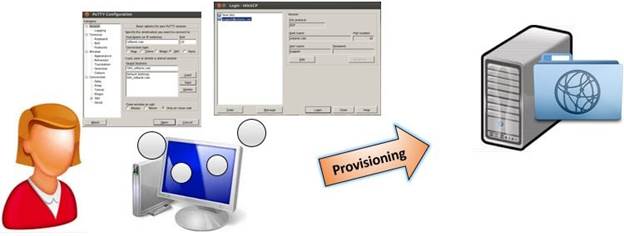
Provisioning an Apache Web Server for UrBank